

Raw footage to viral reels.
- Video stays in your browser
- Up to 4K export
- 15+ Indian languages
Caption Styles & Templates
Pick an animated caption style built to render Hindi and Hinglish text correctly, preview it on a sample reel, then apply it to your own video in one click.
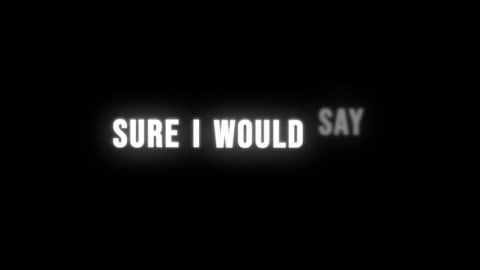
Grand Clean Pro
Clean Engine
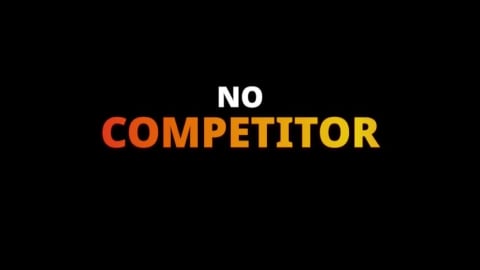
Gradient Flow
Premium Engine
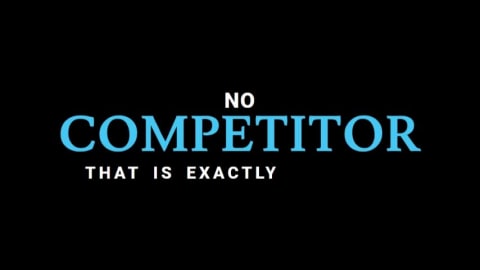
Big Grand Pro
Premium Engine
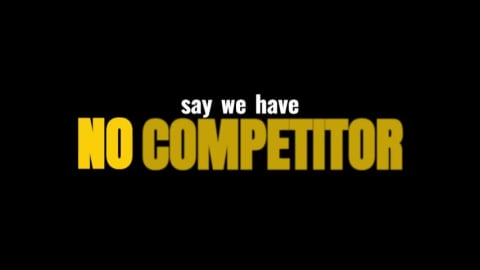
Aura Pro
Podcast Dual Engine
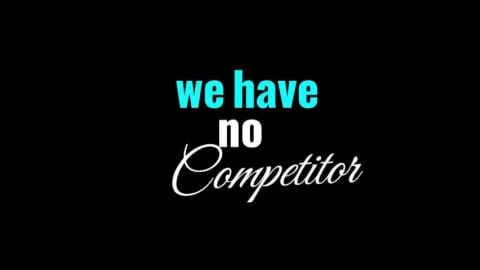
Premium Flow
Premium Engine
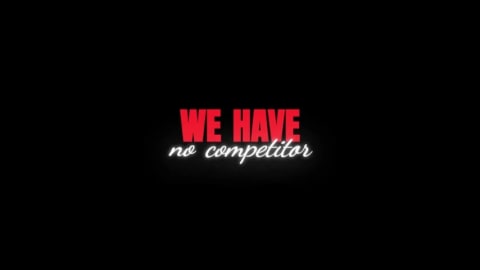
Aura +9999
Podcast Dual Engine
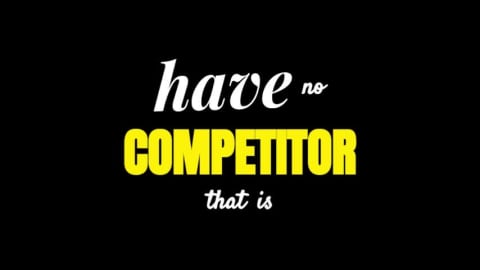
ReelsX Fire
Trending Engine
Wild Blur
Premium Engine
Dynamic Highlight
Trending Engine
What is CutXflow?
- Word-level captions. Every spoken word gets its own timestamp, so text animates in sync with the speaker instead of appearing a line at a time.
- Languages. 15 Indian languages including Hindi, Hinglish (Hindi written in the Latin alphabet), 36 world languages and automatic language detection.
- Editing and styles. 40+ animated templates. Any word's text, timing, colour and line break can be changed against a waveform.
- Privacy. Audio extraction, caption rendering and MP4 export run on your device. Only a speech-only audio track, typically a few hundred kilobytes, is sent for transcription.
- Requirements. Export needs a recent Chrome or Edge on desktop (WebCodecs). Clips can run up to about 17 minutes.
- Pricing. The free plan includes 3 min of transcription a month, free editing and one free watermarked export. After that a watermark-free export is ₹7, a 7-day pass is ₹59, and monthly plans are ₹99, ₹199 and ₹479.
More detail: how CutXflow works, the auto caption generator and pricing.
15+
Indian Languages
0 MB
Server Video Uploads
40+
AutoCaption Templates
30 FPS
WebCodecs GPU Export
Everything you need for viral video typography
CutXflow handles speech nuances, multi-language transliteration, and GPU-powered video export seamlessly in your browser.
Built for Hinglish and Mixed Hindi-English Speech
Hindi and English often share one sentence. CutXflow transcribes the mix, then writes it in Devanagari or in the Latin alphabet: Hinglish mode applies rule-based schwa deletion and spells common English loanwords the way people type them. Every caption font falls back to Noto Sans Devanagari, so Hindi text still renders.
Your 4K Video Never Leaves Your Device
Audio extraction and video compositing happen locally in your browser sandbox. Only a compressed, speech-only audio track is sent for transcription — the video itself stays on your computer.
Interactive Waveform Timeline for Every Word
Click any word to change its spelling, color, or line break. Drag each word's start and end against the audio waveform, or type exact start and end times.
Instant 30FPS WebCodecs MP4 & SRT Export
Zero server queues or cloud render delays. Encode 1080p and 4K MP4s right on your device's GPU, or download SubRip (.srt) subtitle files for any video editing software.
From raw video to captioned reel in 4 steps
No complex timelines, no bloated cloud render queues. Fast, clean, and intuitive.
Drop Video in Browser
Import an MP4, MOV, WebM or MKV clip up to about 17 minutes. The audio track is extracted on your device.
AI Speech Recognition
AI speech recognition puts a timestamp on every word, so captions land in sync with the speaker.
Pick Style & Customize
Select from 40+ AutoCaption templates, customize multi-tier fonts & neon glow.
Hardware GPU Export
Render Full HD 30FPS video directly on your device with WebCodecs.
15 Indian languages, with Hinglish output for Hindi
Hindi speech can be captioned in Devanagari or in the Latin alphabet (Hinglish), and you can switch between the two. Every other language is transcribed and captioned in its own script. Devanagari text falls back to Noto Sans Devanagari, so it renders as letters instead of empty boxes.
Pick a language:A sample of 15 supported
Hinglish
हैलो दोस्तों, इस वीडियो को लाइक और शेयर करें
hello doston, is video ko like aur share karen
Frequently Asked Questions
Everything you need to know about CutXflow, privacy, pricing, and video exports.
Yes, CutXflow is free to start. A free account includes 3 min of transcription, editing is free, and your first export is free with a watermark. After that, free-plan exports cost ₹7 each without the watermark, and paid plans from ₹99 a month include unlimited watermark-free exports.
Yes. CutXflow needs a free account to add captions, because transcription is metered against your account's credits. You can sign in with Google or an email address; email accounts must verify the address before transcribing or claiming the free export. Your video still never leaves your browser.
No, CutXflow never uploads your video. Your browser extracts the audio track on your own device, and only that speech-only audio, typically a few hundred kilobytes for a short reel, is sent for transcription. Caption rendering and MP4 export also run on your device, so the video file never reaches CutXflow's servers.
CutXflow keeps your video on your device, but the spoken audio does leave it. The video file is never uploaded, yet the extracted speech-only audio goes to CutXflow's server and on to its transcription provider, ElevenLabs; CutXflow does not save it, but ElevenLabs may keep a copy under its own policy (see the Privacy Policy). If a client contract forbids sharing even the audio, do not caption that footage here.
CutXflow transcribes 15 Indian languages (Hindi, Bengali, Tamil, Telugu, Marathi, Gujarati, Kannada, Malayalam, Punjabi, Odia, Assamese, Urdu, Nepali, Sinhala, Sindhi), Hinglish, 36 other languages including English, Spanish, French and Arabic, and can auto-detect the spoken language. You pick the language before uploading. Accuracy varies by language and by recording quality.
CutXflow is built around Hindi and Hinglish. You choose whether Hindi speech is written in Devanagari or in the Latin alphabet as Hinglish, and every caption font falls back to Noto Sans Devanagari, so Hindi text never renders as empty boxes. Accuracy still depends on your audio, so review the words CutXflow marks as low confidence before you export.
Accuracy varies with audio quality, accent and background noise, and CutXflow does not promise a fixed accuracy figure. The captions come from automated speech recognition, so expect to correct some words. CutXflow marks low-confidence words for review and lets you fix any word's text and timing before export. Try the free allowance on your own footage before you pay.
Videos can be up to 17 minutes long, in MP4, MOV, WebM, MKV, M4V, AVI or 3GP format. The 17-minute cap is the most audio that fits in one transcription request. CutXflow accepts files up to 2 GB, but audio extraction in the browser gets unreliable above roughly 600 MB, so trim or compress very large files first.
Yes, on paid plans and the 7-day pass. CutXflow can download a standard SubRip (.srt) file whose lines match the captions burned into your video, for use in other editors or on YouTube. The free plan does not include the .srt download. It is enabled on Starter, Editor, Pro and the 7-day pass.
Free exports carry a faint CutXflow wordmark tiled across the whole frame. Your first export is free but watermarked, and every export on a paid plan or the 7-day pass is watermark-free. On the free plan you can also pay ₹7 to export a single video without the watermark.
Yes. CutXflow lets you fix any word's text, drag its timing against the audio waveform, recolour individual words, split and merge lines, delete or insert words, and move the caption block anywhere on the frame. Undo and redo work throughout.
No. CutXflow is spelled with an X in the middle and written as one word; it is the AI auto caption generator at cutxflow.com. “Cutflow” without the X is the name of other, unrelated products. If a search engine shows results for “cutflow” instead, search for “CutXflow caption generator” or go straight to cutxflow.com.
CutXflow exports video in browsers that support WebCodecs: Chrome or Edge on desktop, Safari 17 or later on desktop, Chrome on Android, and iPhone on iOS 17 or later. Firefox is not among the browsers CutXflow names as supported. Desktop Chrome or Edge is the safest choice, and 2K and 4K export are desktop-only because of the memory they need.
Caption your next viral reel in under a minute.
Turn spoken audio into eye-catching animated captions. Free to start with a free account, and your video never leaves your browser.
Video never uploaded · 30FPS WebCodecs export
Last updated